Parents who search Rosetta Stone for kids usually want three things answered before they pay: what age is it appropriate for, is it good for learning Japanese specifically, and is it better than Duolingo for a child?
We run an online Japanese school for children growing up outside Japan, so we get asked this a lot. Here is the honest version, checked against Rosetta Stone’s own terms and course pages rather than affiliate reviews.
What Rosetta Stone is, in one paragraph
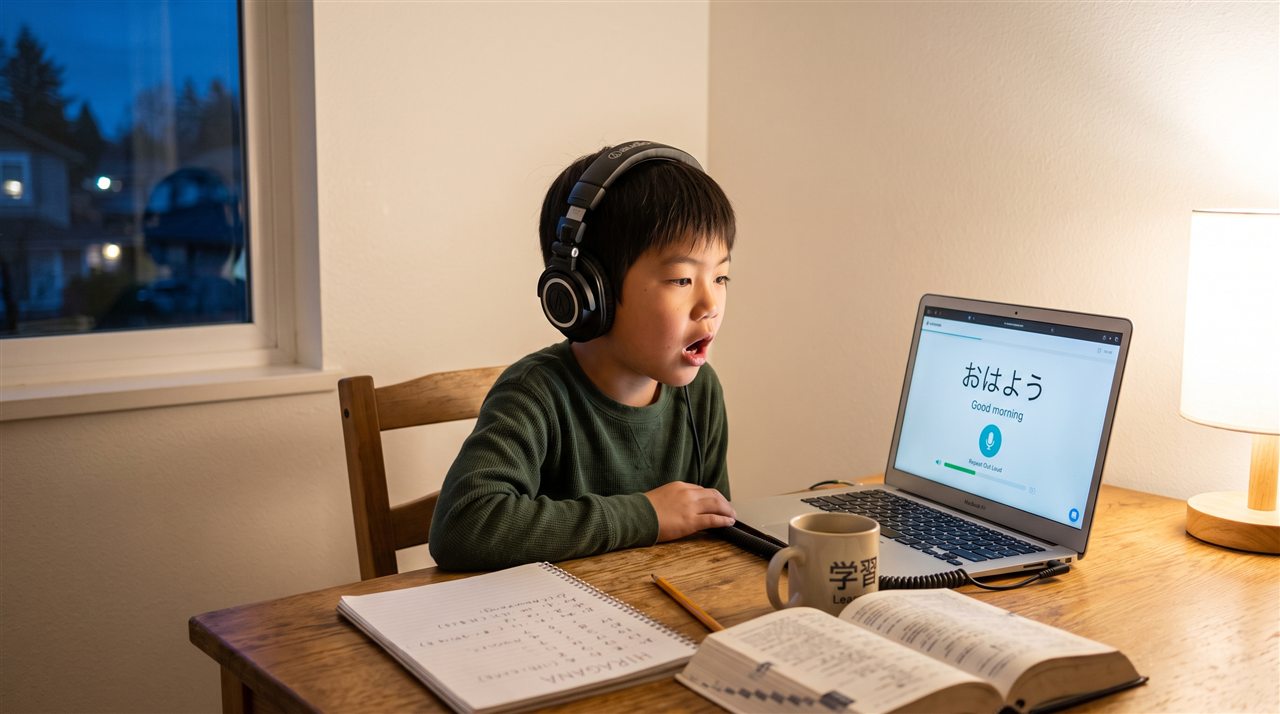
Rosetta Stone is one of the oldest names in language software, now owned by IXL Learning (which acquired it in 2021). Its method is called Dynamic Immersion: everything is presented in the new language, with pictures and audio instead of translation. A subscription includes all of its languages, and Japanese is one of them. The current app is called Sapphire; the older app continues as Classic.
Wondering what to add once the app runs out?
TOMODACHI JAPAN is an online Japanese school for children growing up outside Japan. They talk with peers their own age in Japan every day, taught by teachers working at Japanese schools, in small classes of 8.
🎁 Register and we’ll email you our School Guide (PDF, in English) straight away. You’ll also be first to hear about tuition, scholarships and opening dates.
Free · takes about 30 seconds
Rosetta Stone for kids: what age is it appropriate for?
This is the part most reviews skip, and it is the first thing a parent should know.
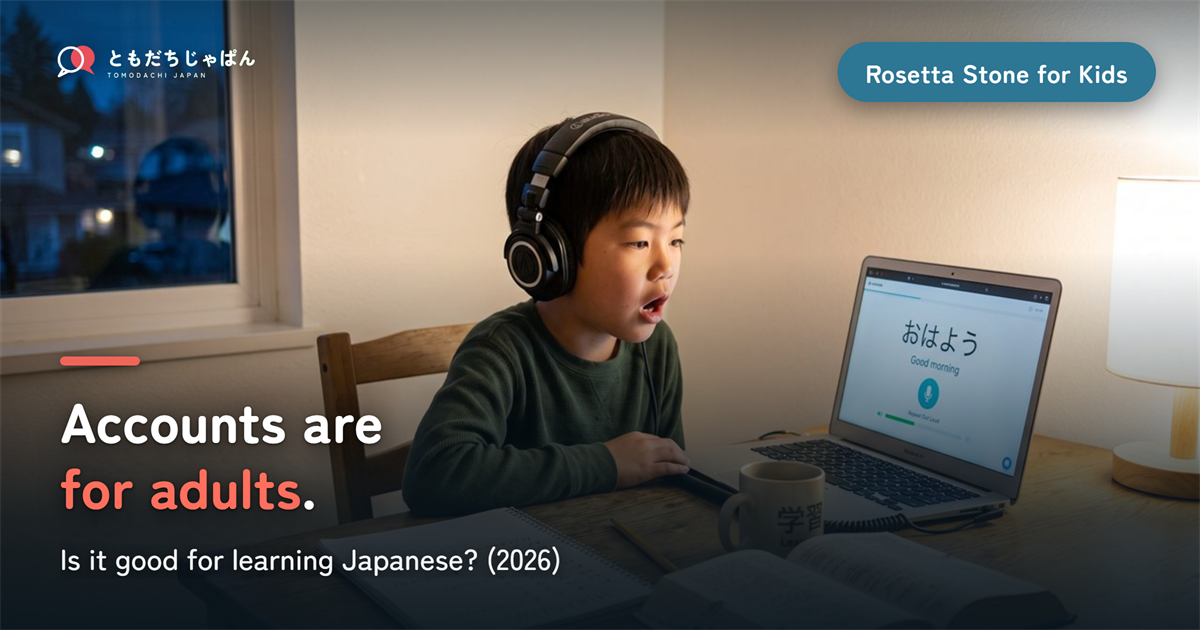
- The account is for adults. Rosetta Stone’s Terms of Service (updated July 2026) say accounts are for people aged 18 or older in the US. A younger learner can be registered by a parent or guardian, or through a school.
- Under-18 users are expected to review the terms with a parent, who agrees on their behalf.
- The service is not directed at children under 13, according to its privacy policy.
- There is no official recommended age for children. The app store rating you may see (4+) is a content rating, not a learning-age recommendation.
So the practical answer is: a parent sets it up and owns the account, and the realistic starting point is a child who can read independently and work alone for fifteen or twenty minutes — for most children, around eight or nine and up.
One more thing parents of siblings should know: each subscription is meant for one user. There are no family profiles, so two children means two subscriptions.
Is there a Rosetta Stone Kids product?
There used to be. Rosetta Stone launched a kids division in 2013 with apps for ages 3 to 6, but those taught English reading and Spanish, not Japanese, and they are reported as no longer available. Today, the child-facing route is mainly Rosetta Stone for Schools, which schools buy for their students. The homeschool page on the official site no longer loads, though some resellers still sell homeschool subscriptions.
Is Rosetta Stone good for learning Japanese?
For a beginner, it is a comfortable and well-made start. For Japanese in particular, there are strengths and some real gaps.
What it does well
- Script choice. You can set Japanese to hiragana and katakana, kanji with furigana, kanji, or romaji. For a child, starting in kana is a sensible default.
- A clear structure. The Japanese course is organised into units, each with core lessons covering reading, writing, listening and speaking.
- Pronunciation feedback. Its speech recognition (TruAccent) listens and responds — more than most apps offer.
- Native audio and a visual, low-pressure style that suits children who like pictures.
Where it falls short for Japanese
- Grammar is taught indirectly. The no-translation method means particles and verb forms are rarely explained. Adults find this frustrating; children usually just guess.
- Kanji coverage is light, according to independent reviews.
- Japanese is harder to learn by picture alone than European languages, because a child cannot sound out a word they have not seen before.
- Drills repeat. Children who enjoy variety tend to drift away after the novelty wears off.
Rosetta Stone does list Japanese among its live tutoring languages, sold separately, with offerings that vary by account type and region. It does not publish an age rule for tutoring, so ask before booking for a child.
Rosetta Stone vs Duolingo for kids
| Rosetta Stone | Duolingo | TOMODACHI JAPAN | |
|---|---|---|---|
| Built for | Adult self-learners (parent registers a child) | General self-learners | Children growing up outside Japan |
| Method | Pictures and audio, no translation | Short gamified drills | Live classes with a teacher |
| Explains grammar | Rarely | Briefly | Yes, in the moment |
| Speaking | Speech recognition | Limited | Every session, with real people |
| Other children | No | No | Peers in Japan, in a class of 8 |
| Siblings | One subscription each | Separate accounts | Each child joins a class |
Between the two apps, Rosetta Stone is the more structured and Duolingo the more habit-forming. Neither is designed around children, and neither puts your child in a conversation with another person.
How pricing is structured
We do not quote prices because they change often. The structure, as set out in the terms: monthly and yearly plans that renew automatically at the then-current price (promotional discounts do not carry over), all languages included, one learner per subscription, and a money-back window for direct purchases. The lifetime plan you may see in older reviews no longer appears on the buy page. Check the current terms on the official site before you subscribe.
The part no app can do
An app can teach a child to recognise ringo under a picture of an apple. What it cannot do is make a child need to say it. Children hold on to a language when someone their own age is waiting for an answer — and switches to Japanese, not English, while they think of one.
That is why we think of apps as input and people as output. Both matter. They are different jobs.
Where TOMODACHI JAPAN fits
- Live classes of 8, with peers their own age in Japan.
- Teachers working at Japanese schools, who explain the grammar an app skips and adjust when a child does not follow.
- Speaking every session — in a group of eight, everyone talks.
- Ongoing, so the same classmates are there next month.
If your child already enjoys Rosetta Stone, keep it. Pair it with something live, and the words they learn on the screen get somewhere to go.
Frequently asked questions
Can a child have their own Rosetta Stone account?
Under the current US terms, accounts are for adults, and a parent or guardian registers a younger learner. A school can also provide access.
Can two children share one subscription?
Rosetta Stone says each subscription is meant for one user, with no family profiles.
Does Rosetta Stone teach hiragana and kanji?
Yes. You can choose kana, kanji with furigana, kanji, or romaji. Beginners start with hiragana, katakana and greetings before moving on to common kanji.
Is Rosetta Stone enough on its own for a child?
For recognising words and building early reading, it can take a motivated child a fair way. For conversation, no self-study app is enough on its own, because speaking is a reply and an app does not wait for one.
In short
- Rosetta Stone offers Japanese, taught through pictures and audio with no translation.
- Accounts are for adults (18+ in the US); a parent registers a child, and the service is not aimed at under-13s.
- One subscription per learner; the old kids apps did not cover Japanese.
- Good for a gentle, structured start; thin on grammar explanation and kanji.
- Use it for input, alongside something live for speaking.